SmartScribe Pro is a complete novel-writing studio for Windows. See your manuscript laid out as a real printed book, keep a living story bible, and proofread, rewrite, and listen to your work — all on your own computer.
Windows 10 & 11. The demo is the full app with a complete sample series ready to explore.
The writing tools, the formatting, and the reference material — so you can stay in your story instead of fighting your word processor.
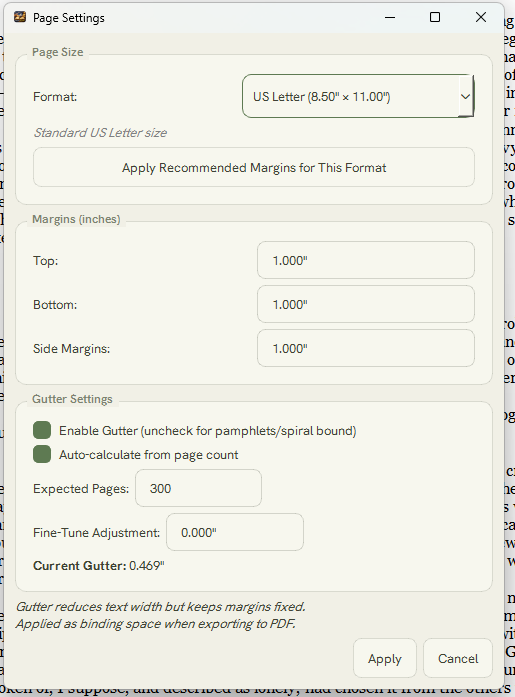
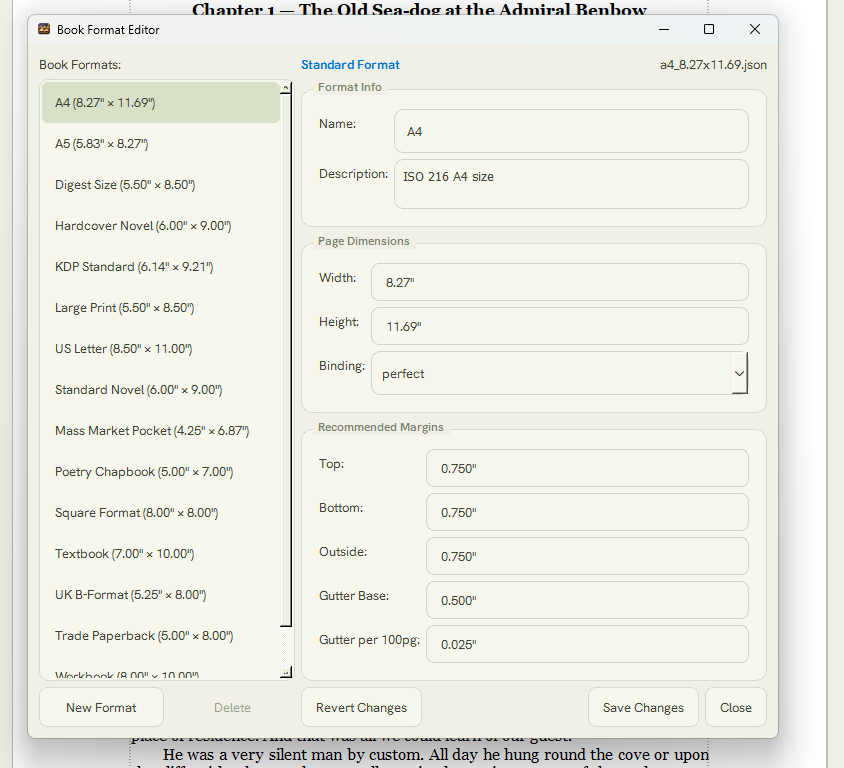
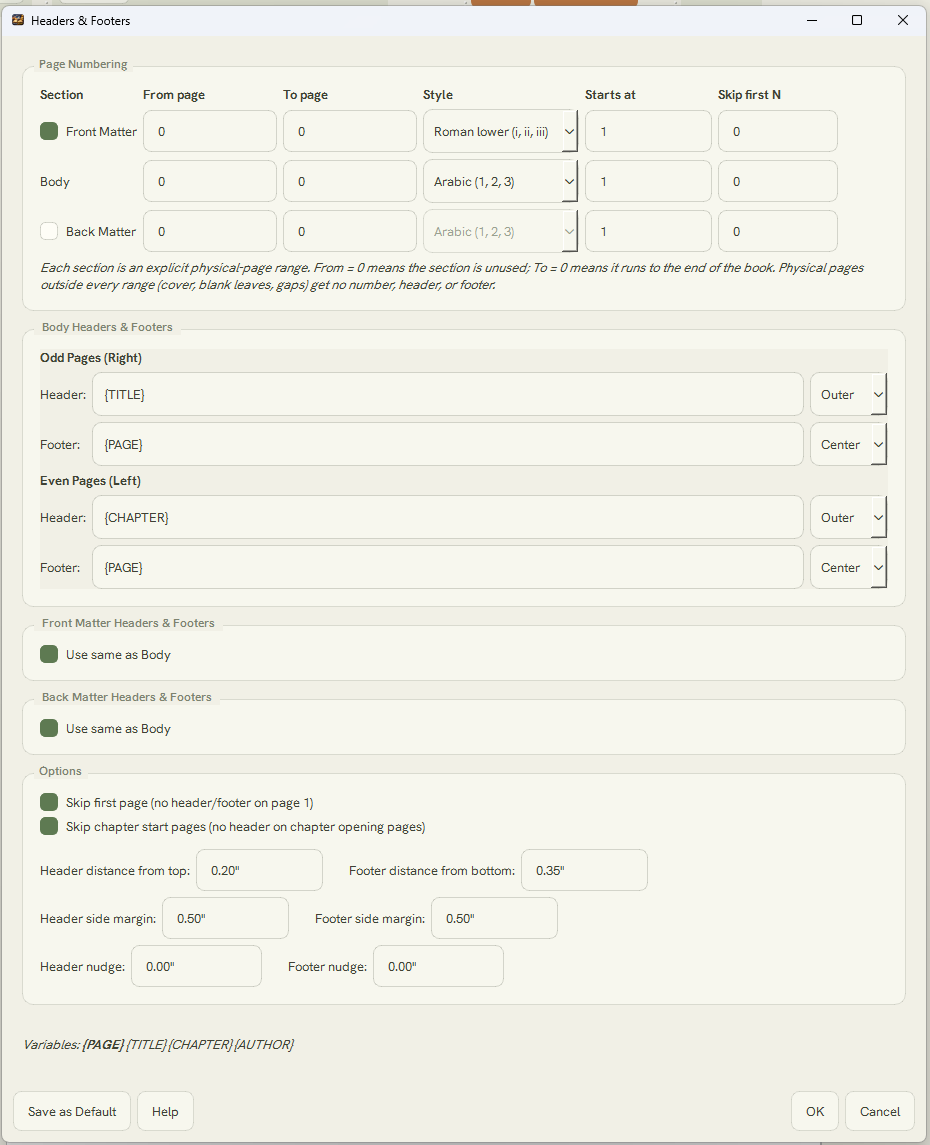
Write on the real, paginated page — alternating gutters, running headers and footers, and 15+ trim sizes — then export a production-ready PDF to hand straight to your printer or publishing house.
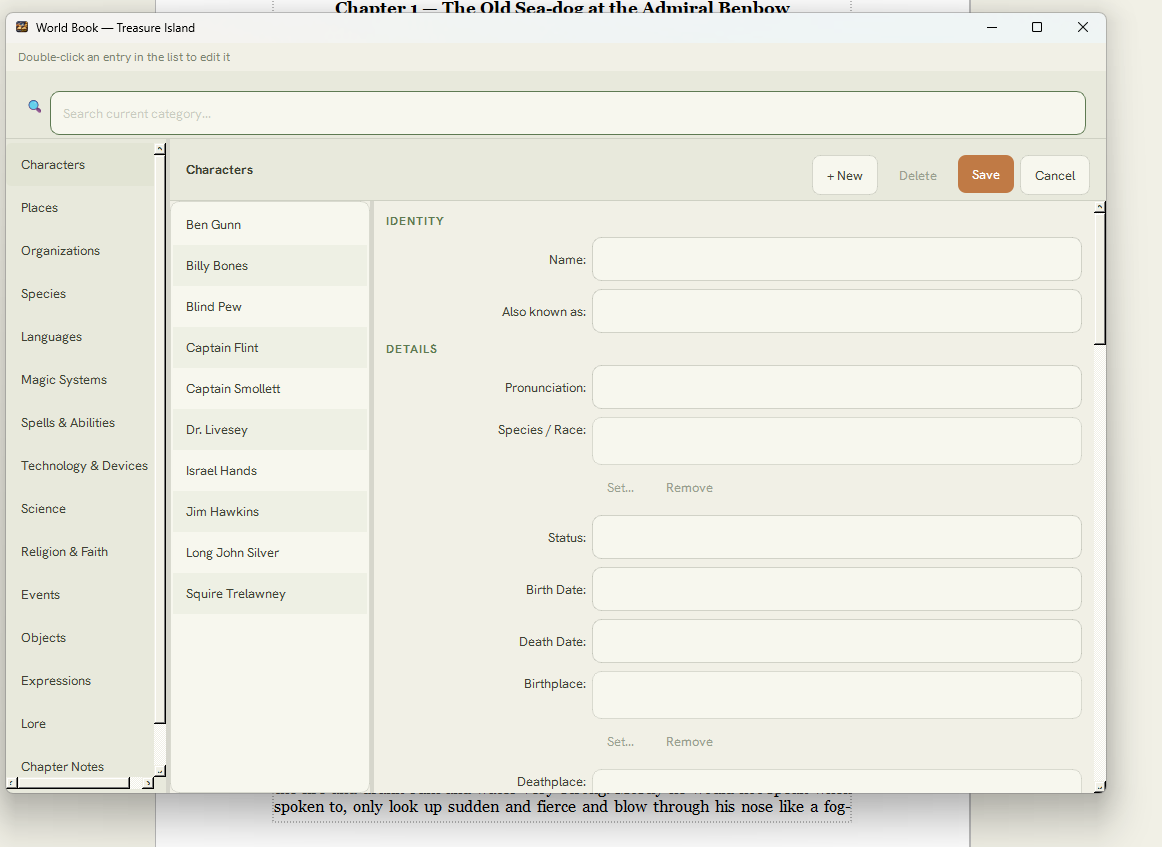
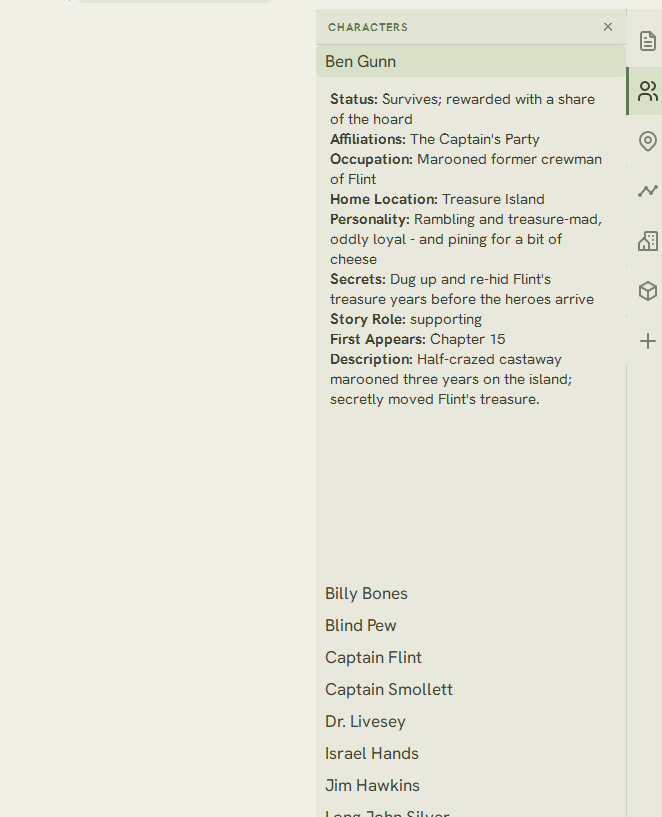
A story bible of index cards for your characters, places, factions, and lore — the reference you build and keep as you write.
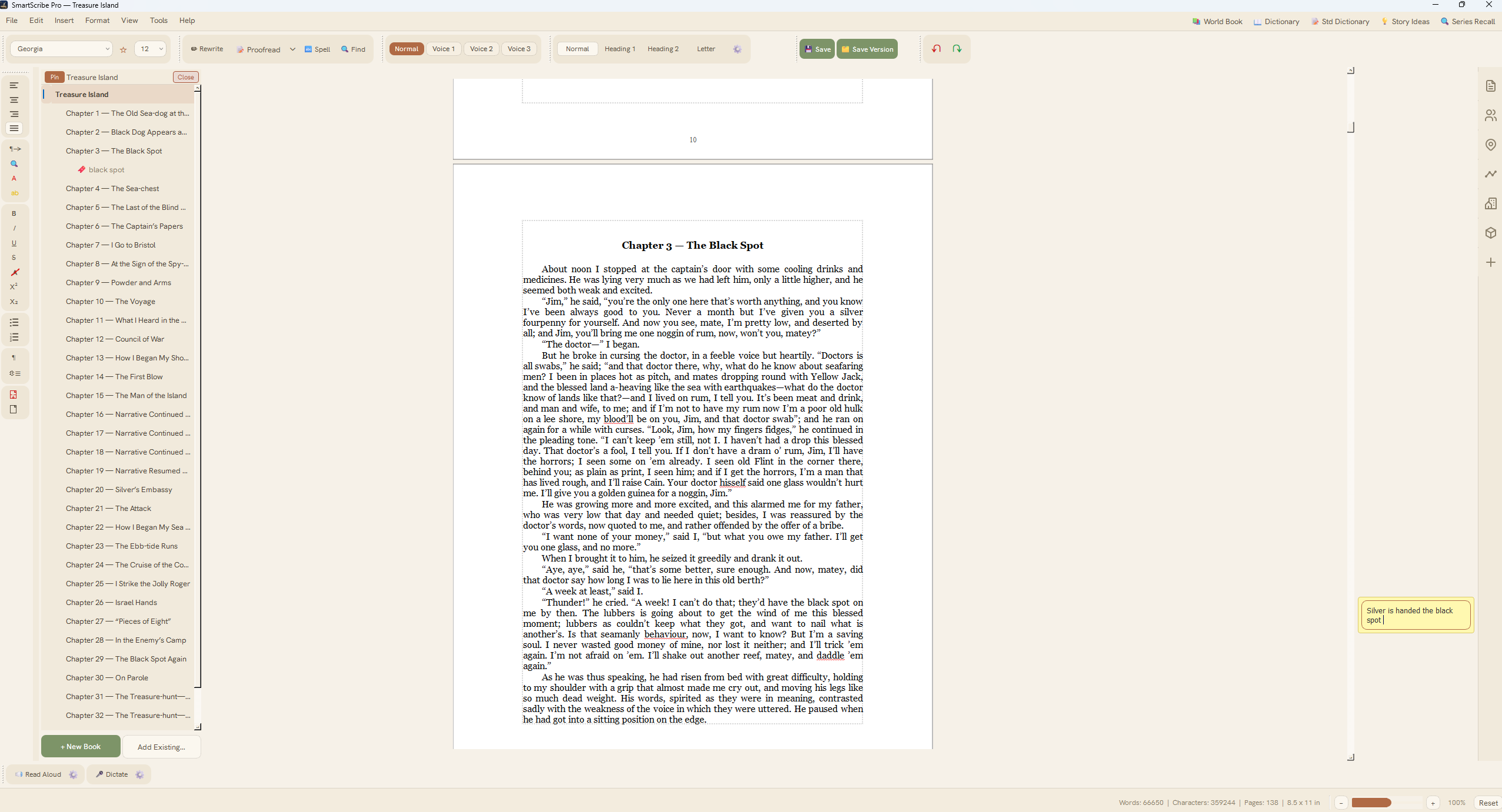
Pin sticky notes to any point in your manuscript. They sit beside your text, travel with it as you write and edit, and never show up in the printed book.
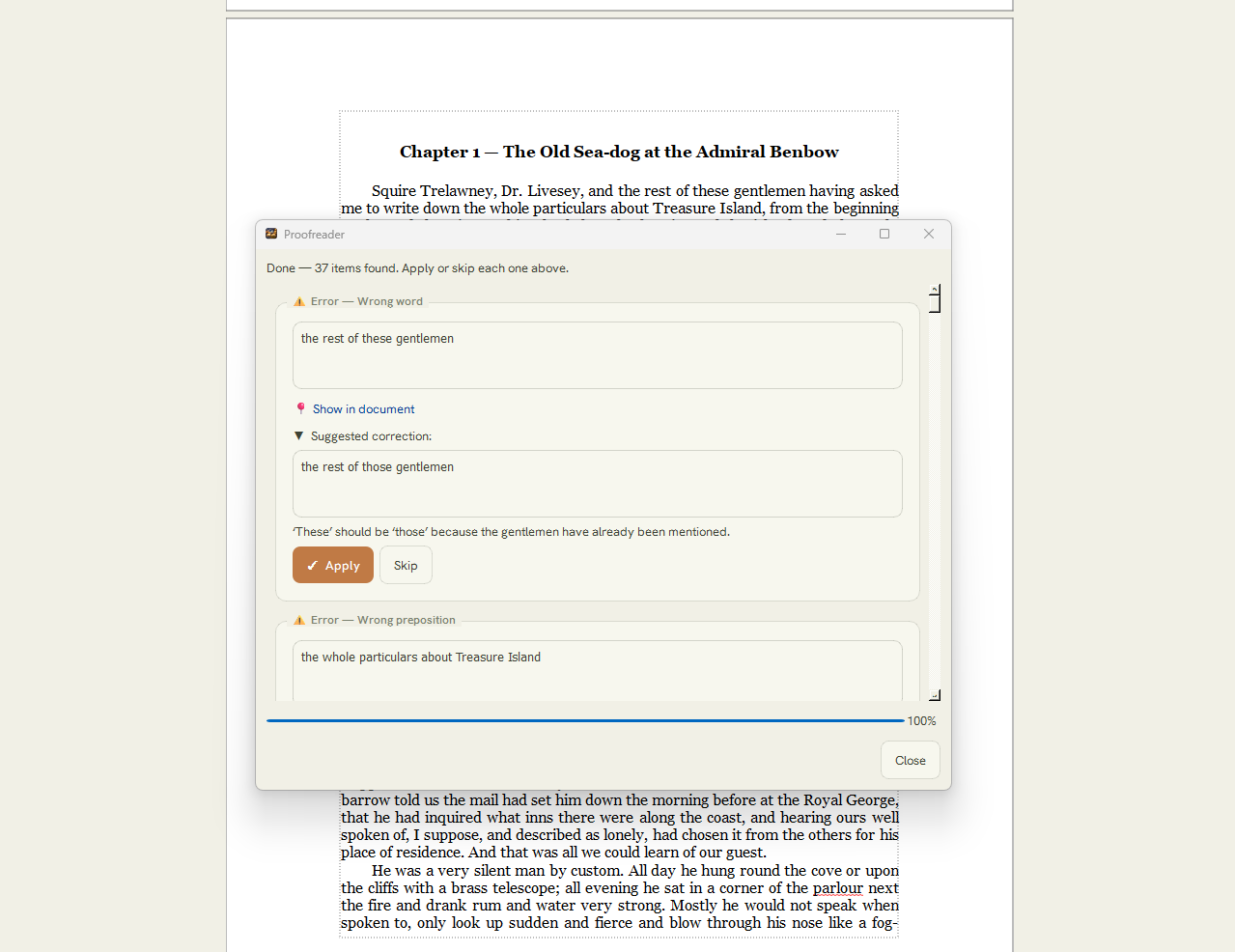
A copy-editor built for fiction. Check a selection, the current page, or a whole chapter, and jump straight to each fix in your text.
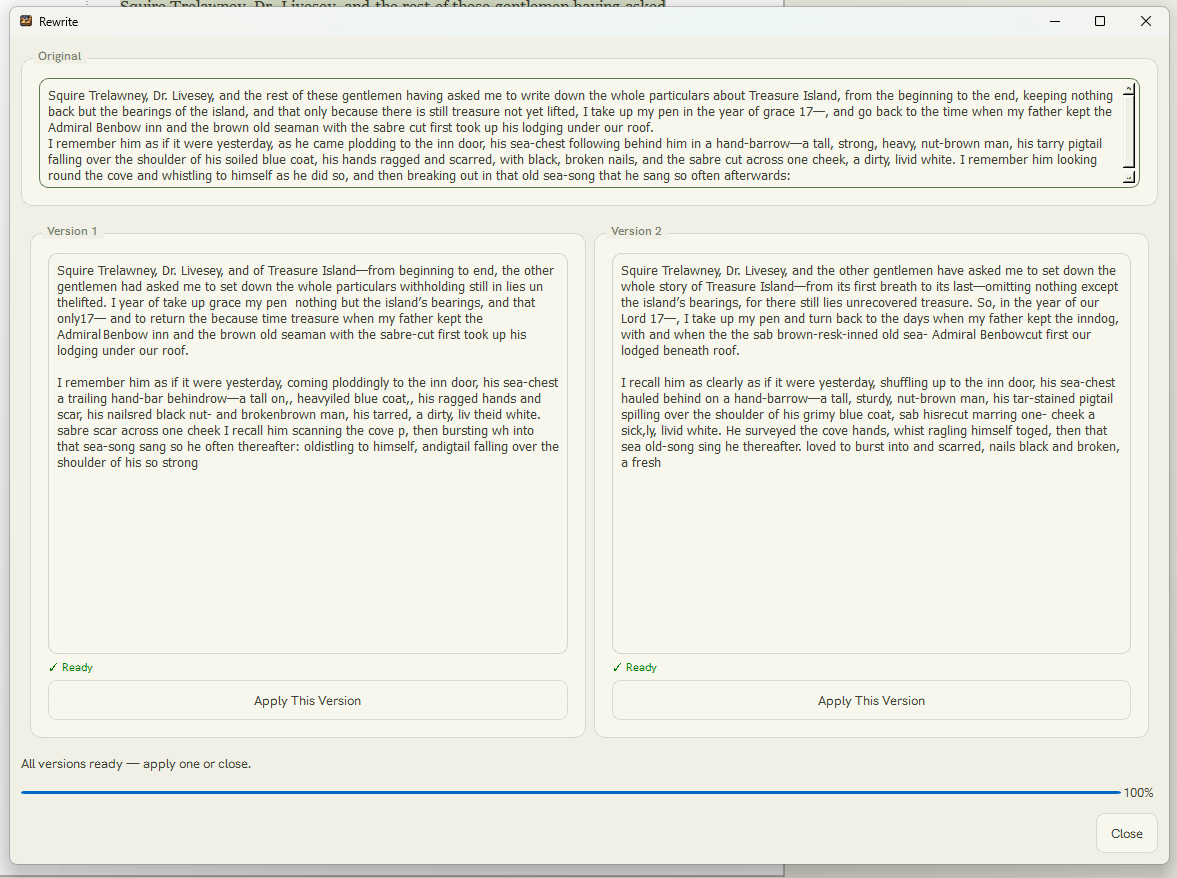
Reword a passage in a click, or right-click any word to see its meaning and a set of stronger alternatives in context.
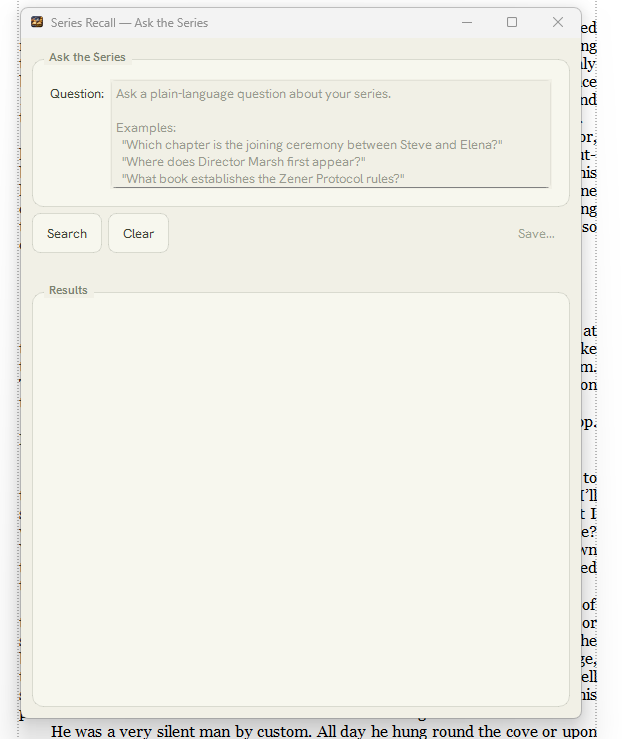
Keep an entire series together, move between books in a click, and search across everything you've written.
Hear your prose in a natural voice to catch what your eyes miss, record narration to an audio file, or write by speaking.
Bring in Word, RTF, HTML, or plain text — SmartScribe reads it in and finds your chapters for you automatically.
Your manuscript lives on your computer. Online helpers are optional, off by default, and use your own account keys.
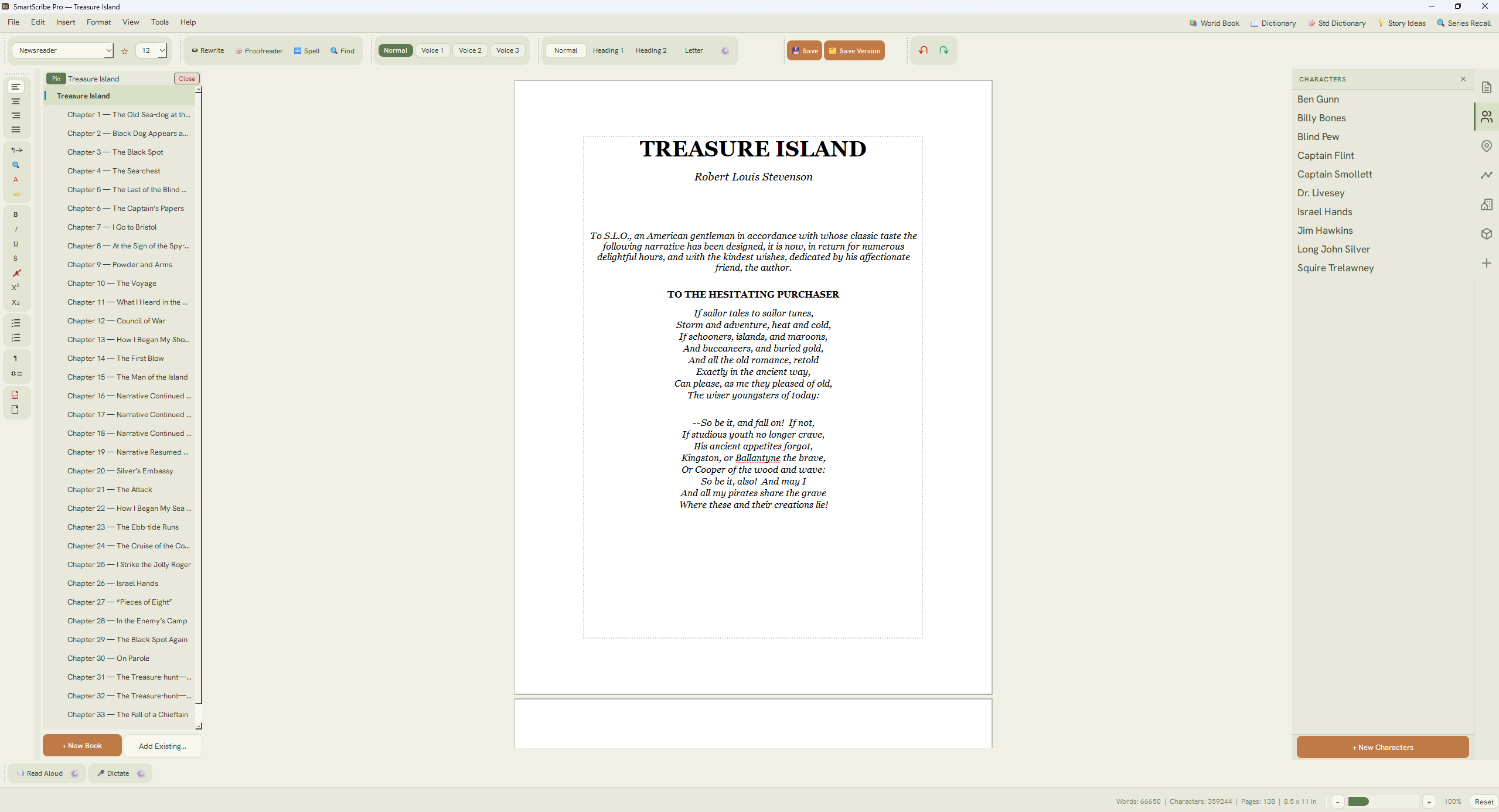
SmartScribe Pro gives you the true, on-screen page production you'd expect from a full word processor like Microsoft Word — but purpose-built for novels. You write on the finished, laid-out page as you type — real pagination, alternating gutters, and running headers — while the popular novel-writing apps make you draft in plain text and compile later just to see how it looks. When the manuscript's done, export a production-ready PDF to send straight to your printer or publishing house.
The complete Treasure Island demo, exported straight from SmartScribe — gutters, part- and chapter-title pages, running headers, and page numbers exactly as they'd print and bind. Gutter is the one thing a screenshot can't show, so here's the real book.
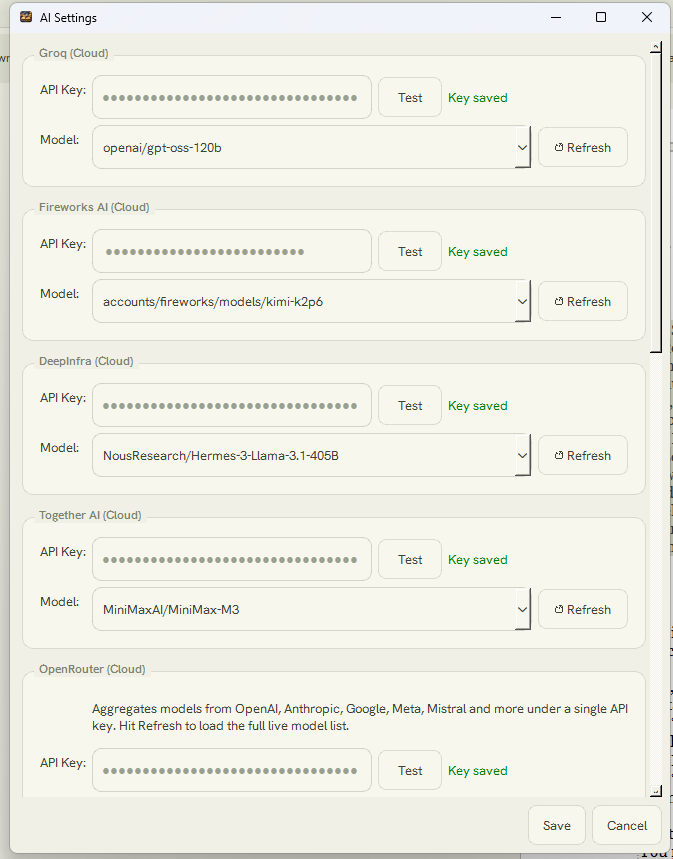
The AI helpers are optional, never a subscription, and run on your own API key. You pay only for what you use, at the provider's own rate, with nothing added by us.
Setup takes a few minutes: open a free account with an AI provider, generate an API key, and paste it into SmartScribe's AI Settings. SmartScribe works with Groq, Anthropic, and other supported providers.
SmartScribe does its best work with a reasonably capable model — as a rule of thumb, any modern LLM above about 70 billion parameters is more than enough. Our tested favorite is OpenAI's gpt-oss-120b: across the models we tried it outperformed most, and on Groq it runs about $0.15 / $0.60 per million tokens in and out. Prefer Anthropic? Claude Sonnet does exceptional work, and even the lighter, cheaper Claude Haiku holds its own — and at SmartScribe's usage levels, even Anthropic's premium models cost very little.
And the quality holds up: with a capable model behind it, the Proofreader gives your manuscript a true editorial read whose recommendations match or beat general-purpose grammar checkers like Grammarly.
…even with heavy daily use — running the AI tools hard and analyzing an entire novel several times over. Typical use is far less.
Providers set their own prices and can change them; check your provider for current rates.
SmartScribe renders your manuscript the way it will actually be printed and bound — not as a flat document, but as facing pages with proper margins.

The World Book is your own set of index cards — one for every character, place, and piece of lore. You build it as you go, and it's always a click away.

The Proofreader was tuned for fiction, not business memos. Run it on a sentence, a page, or a whole chapter, and step through each suggestion right where it lives in your manuscript.

A look inside SmartScribe Pro. Click any screen to enlarge.
Margin Notes
Character Cards
Rewrite Tool
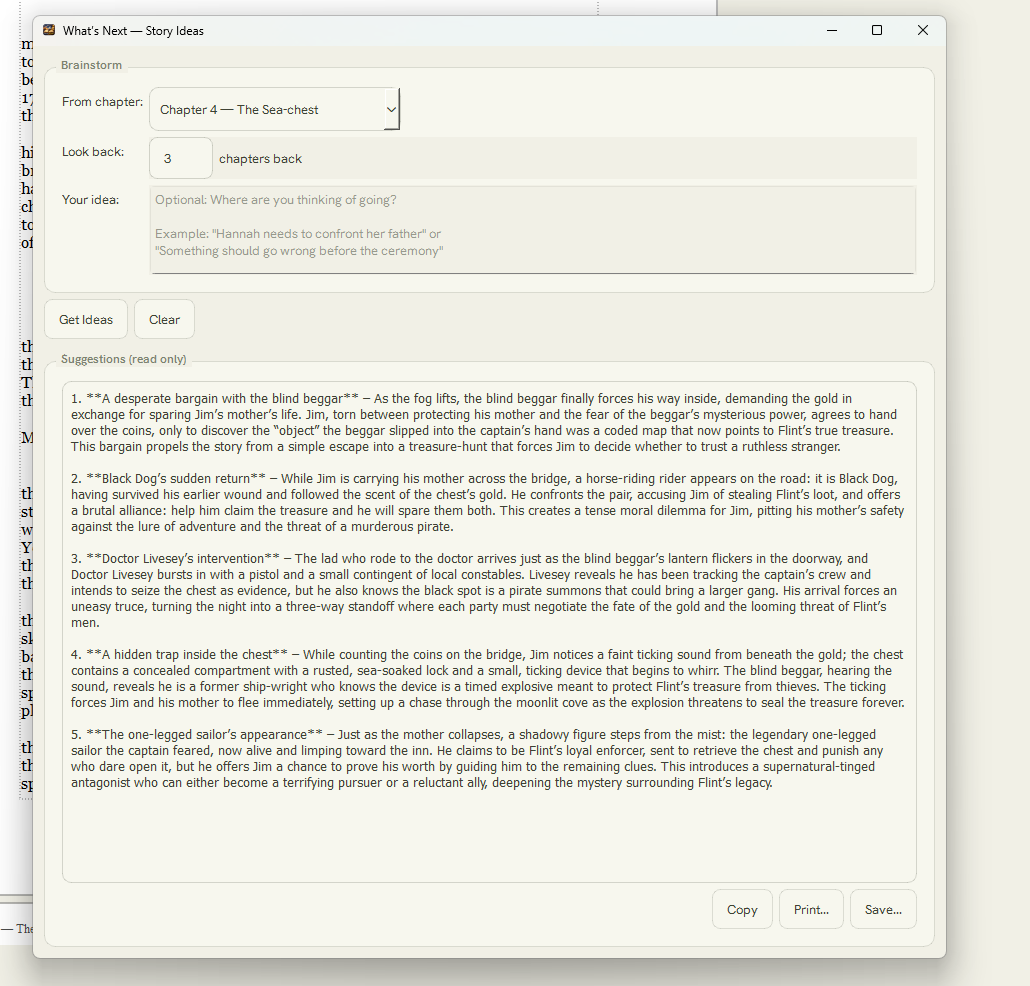
Story Ideas
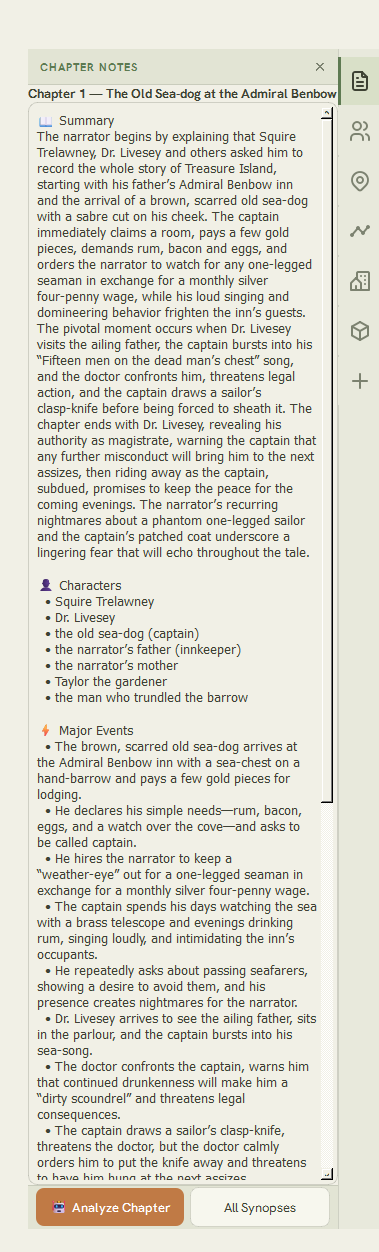
Chapter Summaries
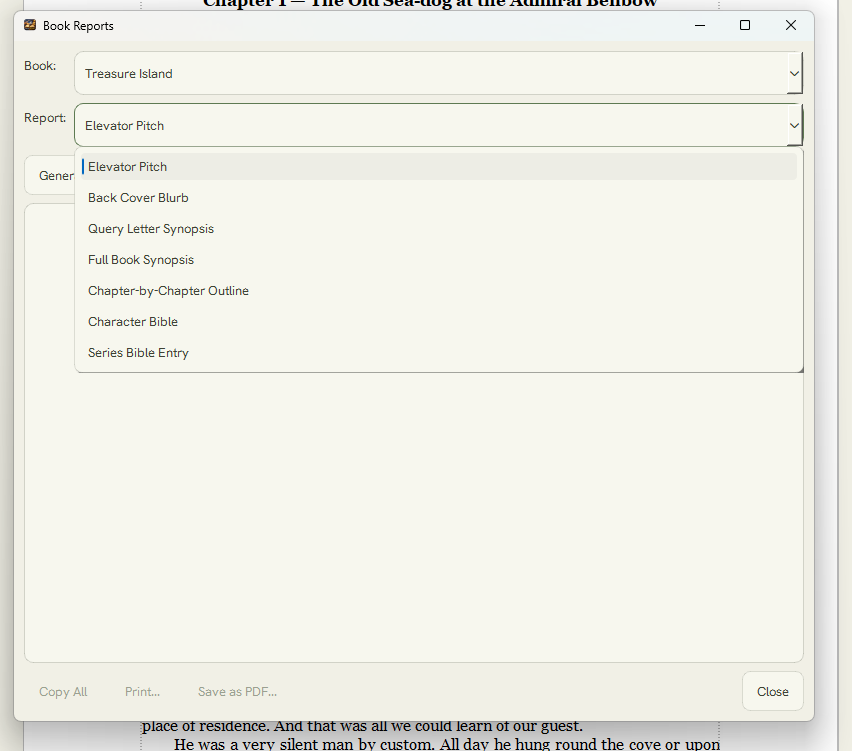
Book Reports
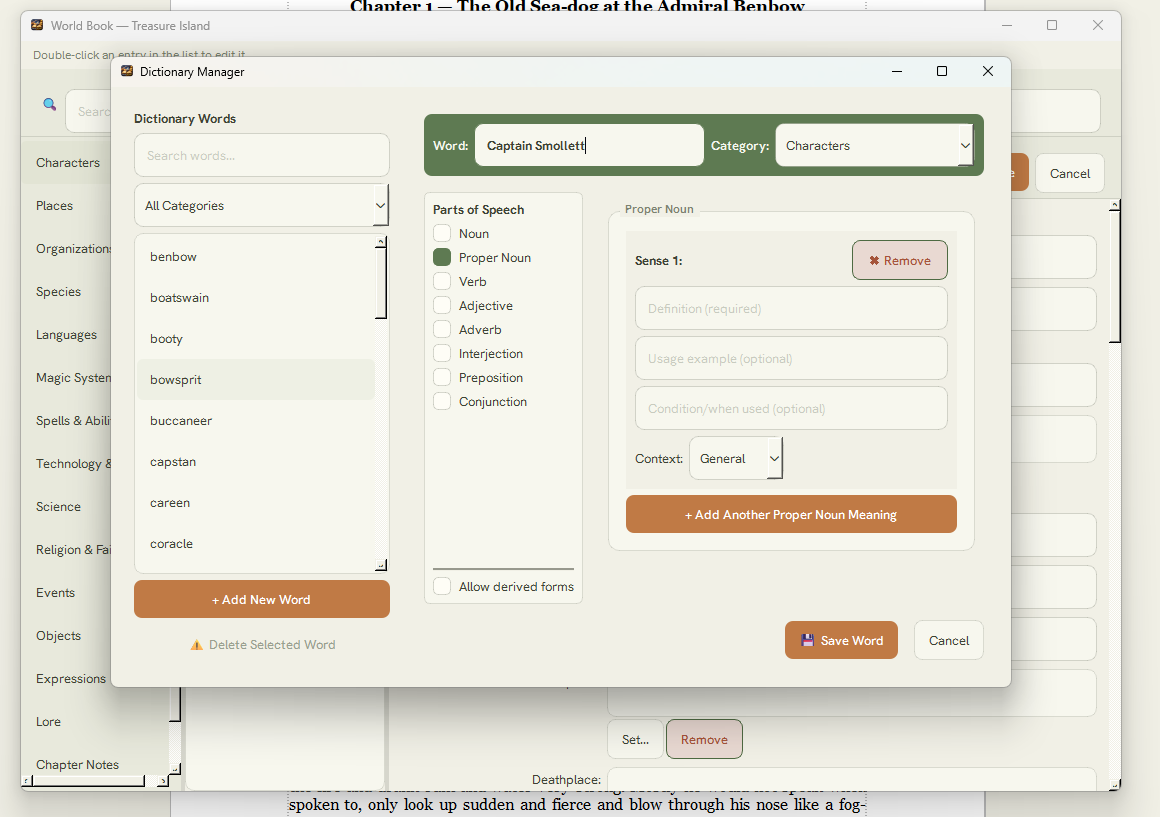
Custom Dictionary
Book Format Editor
Headers & Footers
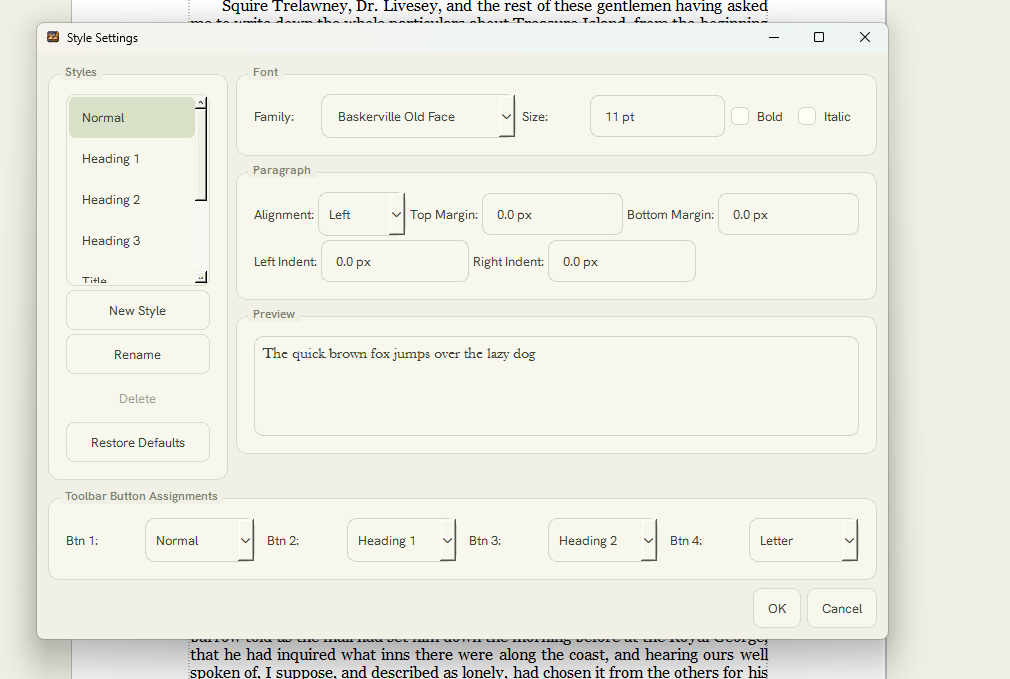
Advanced Styles
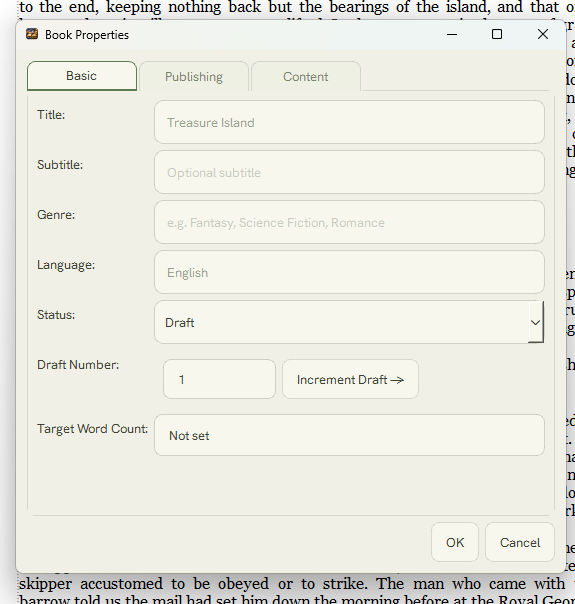
Book Properties
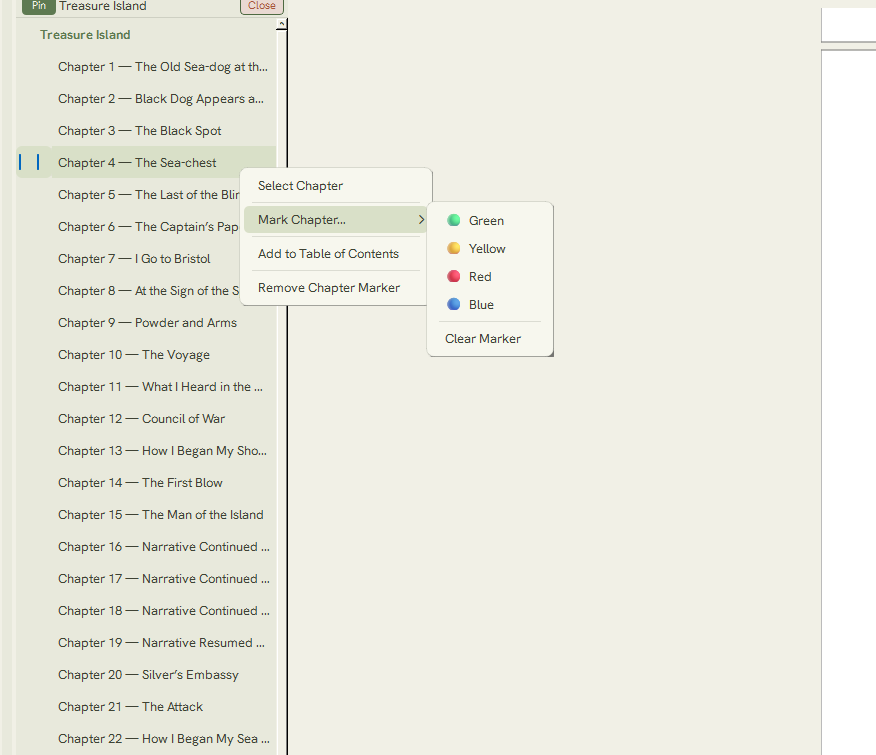
Series Navigator
Series Search
Read Aloud
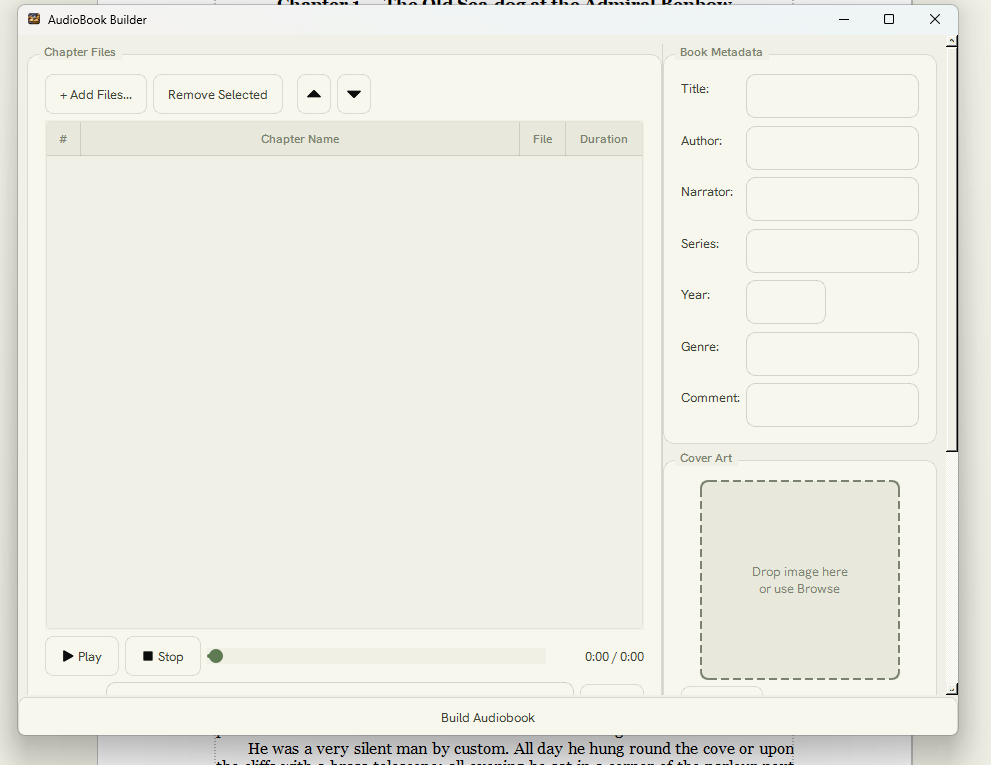
Audiobook Builder
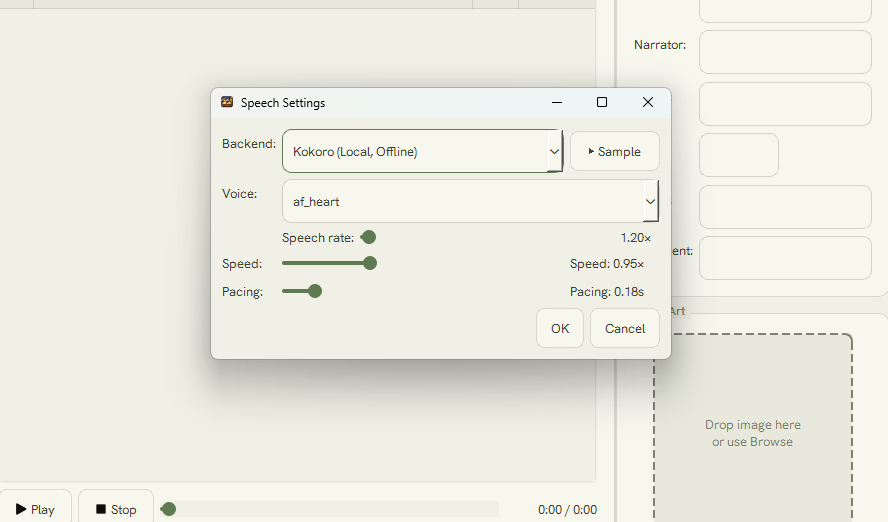
Voice Settings
AI Settings
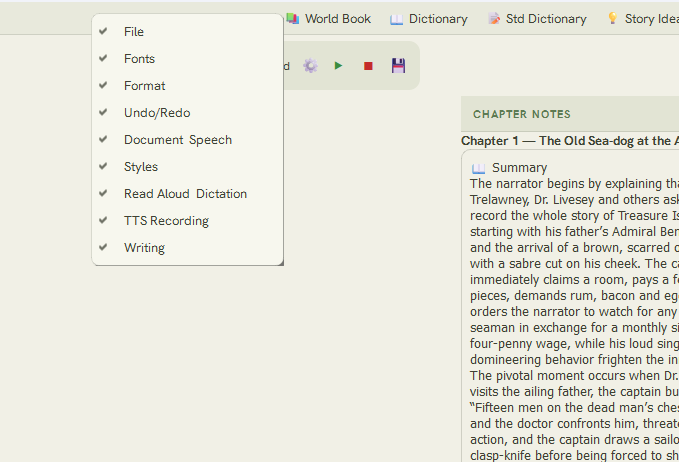
Configurable Toolbars
Built-in GuidePoint SmartScribe Pro at your chapter notes and it drafts the documents every author needs — in seconds. These are the real reports it produced for the Treasure Island sample. Click any one to read it.
Complete profiles of every character — traits, roles, and how they connect — pulled together from your notes.
View report →A complete narrative synopsis of the entire novel, beginning to end.
View report →Every chapter's key events and beats, laid out as a clean, scannable outline.
View report →A structured series-bible entry capturing the book's world, cast, and continuity.
View report →An agent-ready synopsis, trimmed to exactly what a query letter needs.
View report →Ready-to-use back-cover copy, written in the book's own voice.
View report →The one-paragraph hook that sells the whole story in a breath.
View report →Every one of these was written by SmartScribe Pro from the sample's chapter notes — no drafting required.
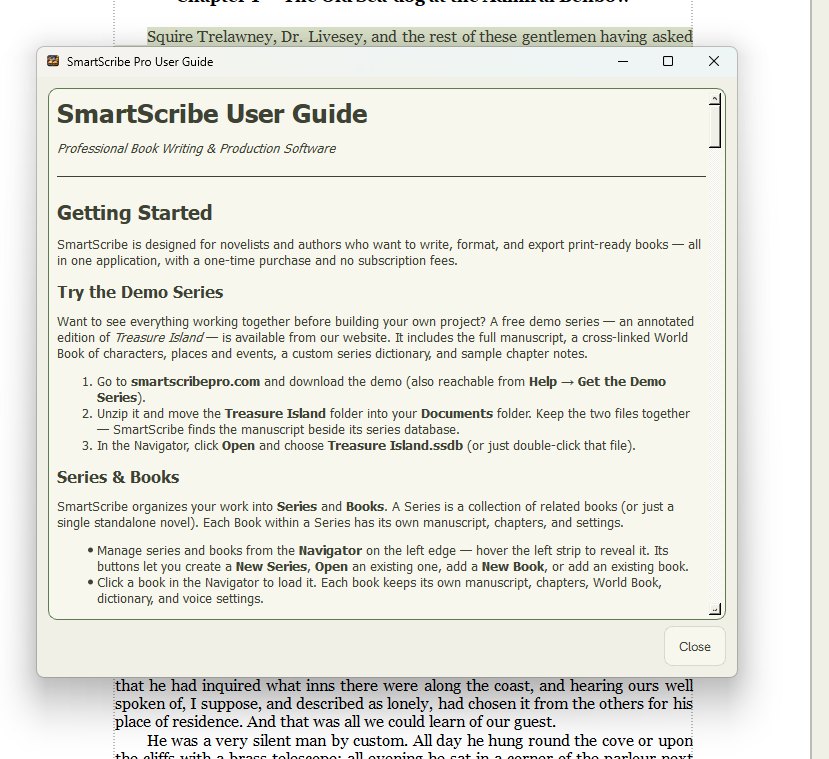
Download the SmartScribe Pro demo and open the complete Treasure Island sample series — a full novel with chapters, characters, and notes already in place, so you can explore every feature with real content.
⬇ Download the Demo Windows 10 & 11 · Unzip and open the included series · No account requiredSmartScribe Pro runs comfortably on an everyday Windows PC.
Yes. The demo is the full application with a complete Treasure Island sample series bundled in, so you can try every feature with a real book — no account and no payment.
Your manuscripts are stored on your own computer, and SmartScribe collects no telemetry. The optional online helpers — cloud voices and AI writing tools — only send text when you turn them on and configure them with your own account keys.
Microsoft Word (.docx) with the highest fidelity, plus RTF, HTML, and plain text. After importing, SmartScribe can scan the document and detect your chapters automatically.
No — writing, formatting, and the built-in local voice all work completely offline. A connection is only needed if you choose to use the optional cloud voices or AI writing tools.
A high-quality local voice (Kokoro) is built in and runs entirely on your computer, free and offline. If you'd like premium cloud voices, SmartScribe can also use Microsoft Azure Speech with your own key.
SmartScribe Pro is available on the Microsoft Store. Try the free demo first to see if it fits the way you write.